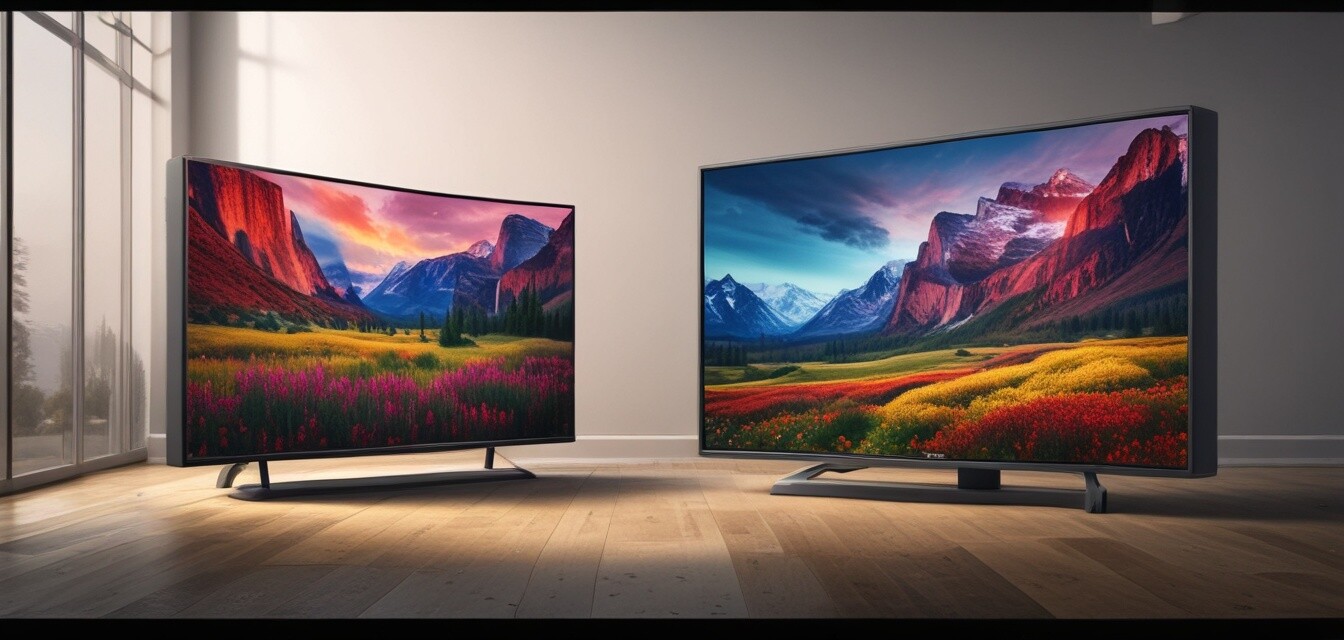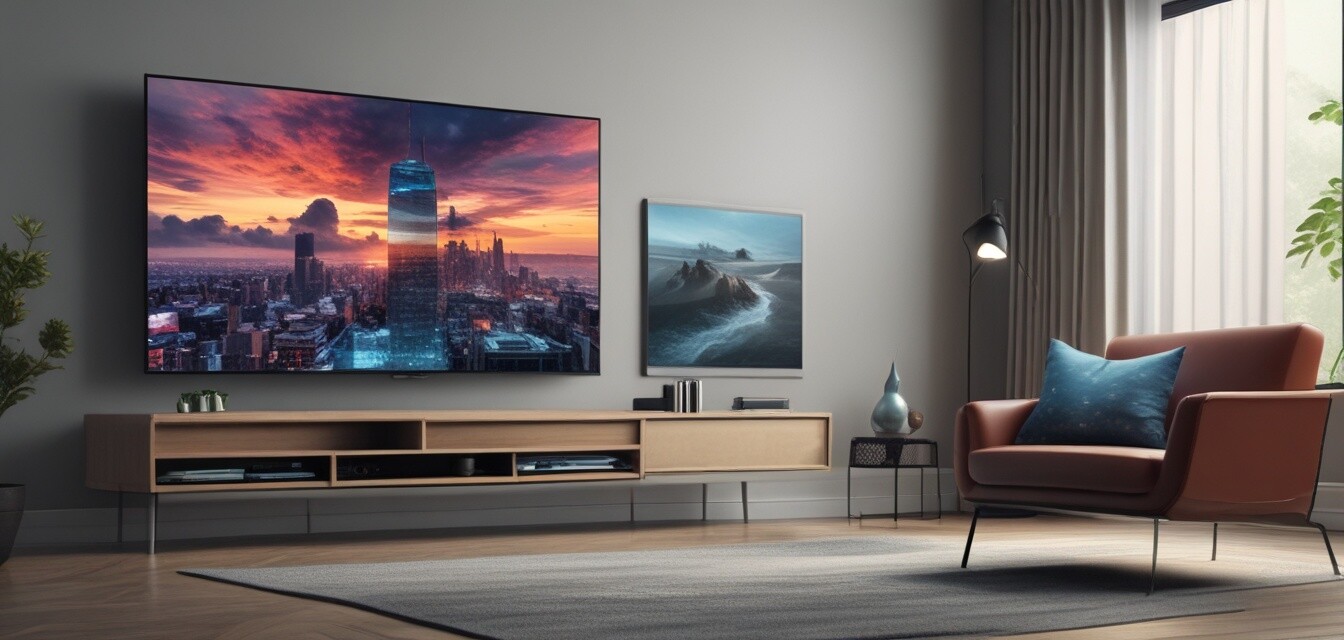
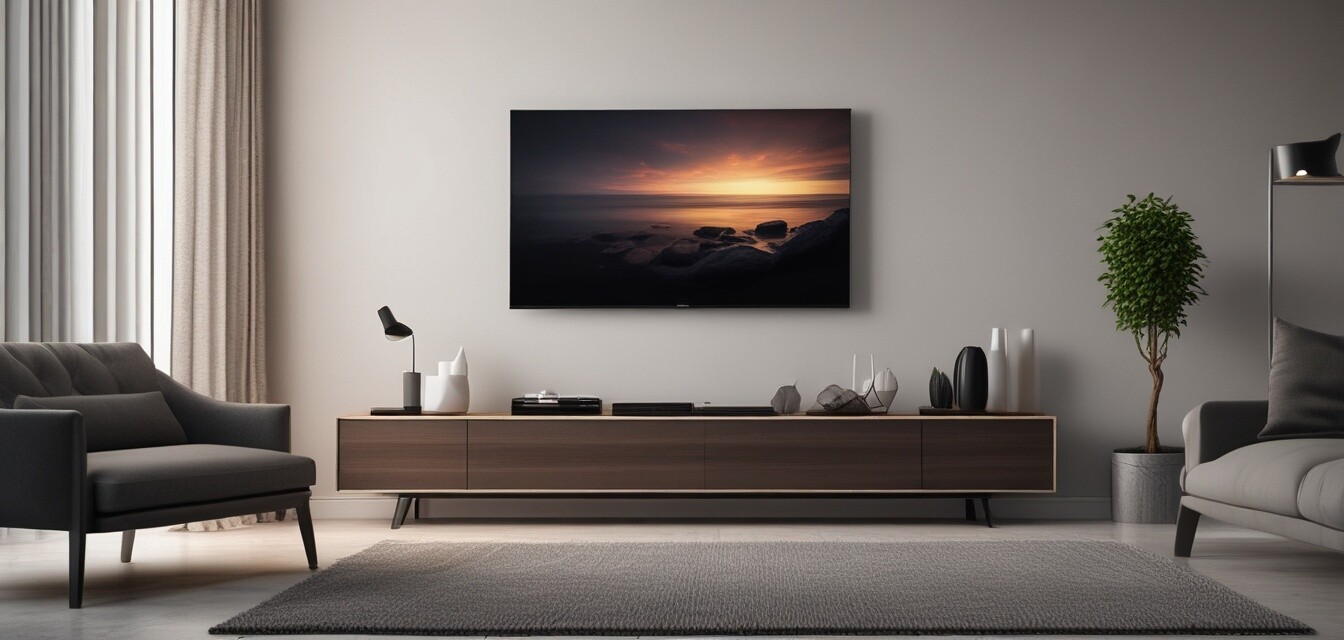
Wall Mounting Options for 4K TVs
Key Takeaways
- Understand different types of wall mounts available for 4K TVs.
- Identify the best mounting height for optimal viewing.
- Learn how to select the right tools for installation.
- Explore smart home integration with wall-mounted TVs.
- Discover tips for cable management and aesthetics.
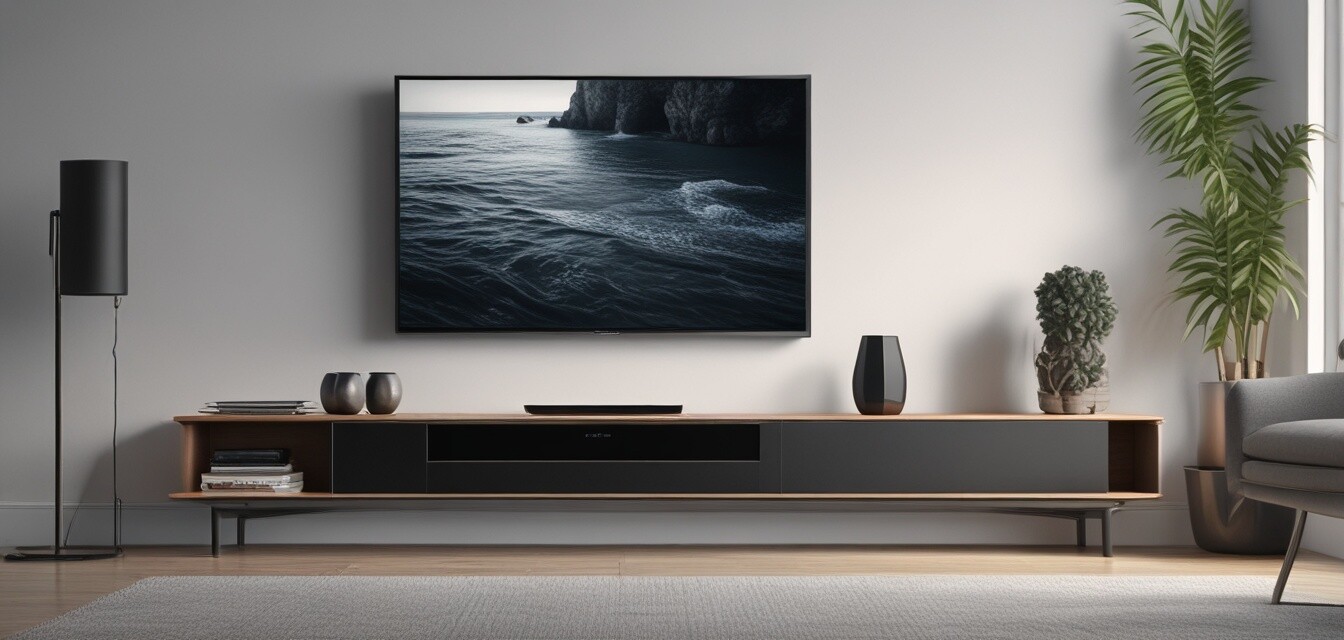
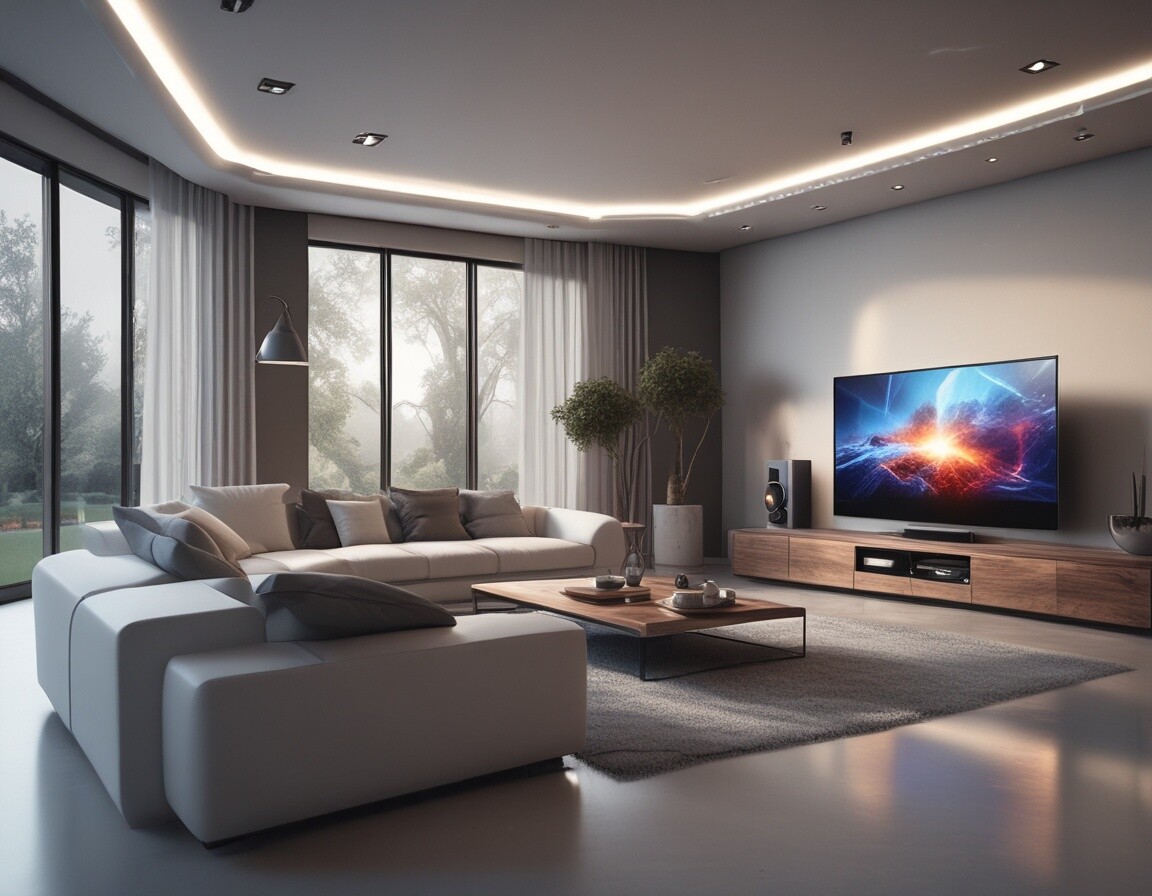
Wall mounting your 4K TV is a great way to enhance your viewing experience while saving space in your living area. This guide provides insights into various mounting options available, installation tips, and how to achieve the perfect setup for your home.
Types of Wall Mounts
| Mount Type | Description | Best For |
|---|---|---|
| Fixed Mount | Holds the TV flat against the wall. | Minimalist setups. |
| Tilting Mount | Allows the TV to tilt downward for better viewing angles. | Higher mounting positions. |
| Full-Motion Mount | Offers swivel and tilt, allowing for more flexibility. | Multiple viewing angles in large rooms. |
| Ceiling Mount | Mounts the TV from the ceiling. | Unconventional spaces or limited wall space. |
Choosing the Right Mount
When selecting a wall mount, consider the following factors:
- TV Size: Ensure the mount can support your specific TV size and weight.
- Viewing Height: The center of the screen should be at eye level when seated.
- Wall Material: Make sure your wall can support the mount.
- Room Layout: Consider how room layout affects viewing angles.
Installation Tips
Beginner's Installation Tips
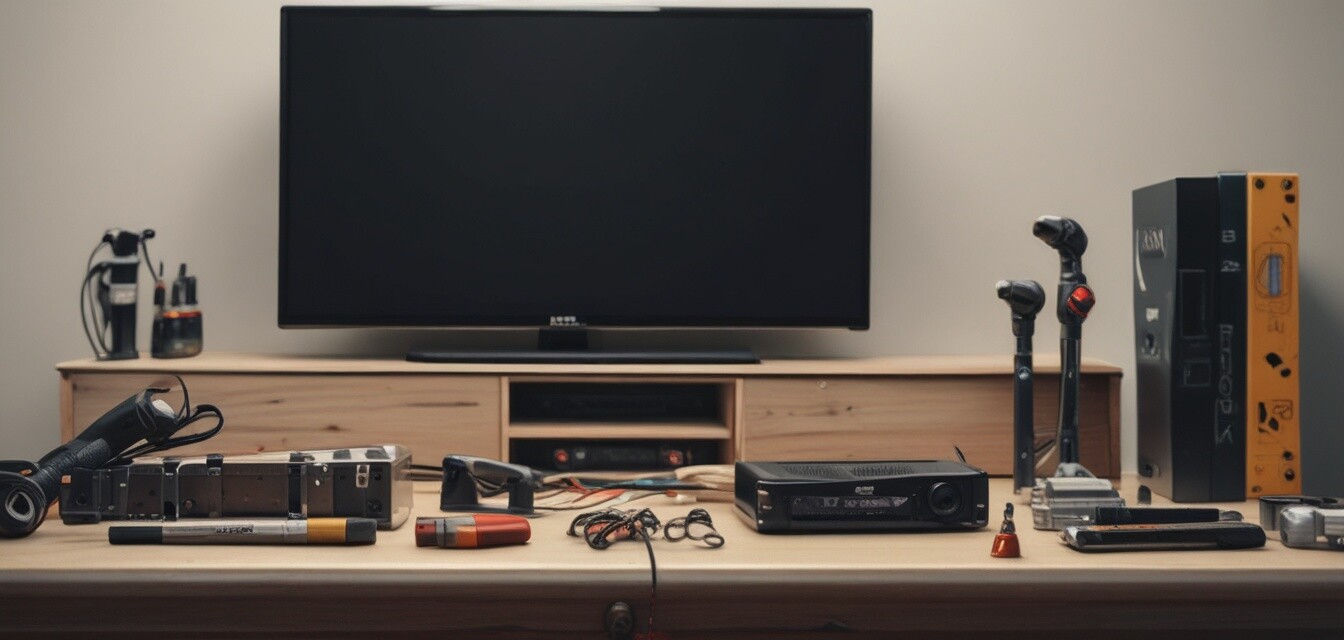
- Gather all necessary tools: drill, level, screwdriver, stud finder.
- Locate studs in the wall for secure mounting.
- Use a level to ensure the mount is straight.
- Follow the manufacturer's instructions carefully.
- Double-check all connections before hanging the TV.
Mounting Height for Optimal Viewing
Finding the right height for your 4K TV is crucial for comfort and enjoyment. A general rule of thumb is:
| Viewing Distance | Optimal Mounting Height |
|---|---|
| 6-8 feet | 24-30 inches from the floor |
| 8-10 feet | 30-36 inches from the floor |
| 10-12 feet | 36-42 inches from the floor |
Cable Management Tips
Keeping cables organized is essential for a clean look. Here are some tips:
- Use cable covers to hide wires on the wall.
- Install a cable management system behind the TV.
- Consider using wireless devices to minimize cables.
Smart Home Integration
Wall-mounted 4K TVs can be integrated into your smart home system. Here are some benefits:
- Control your TV with voice commands.
- Stream content directly from smart devices.
- Set up automated routines for movie nights.
Conclusion
Wall mounting your 4K TV not only enhances your viewing experience but also adds a modern touch to your living space. By understanding the types of mounts available, installation tips, and smart home integration, you can create the perfect setup for your home entertainment needs.
Pros
- Enhanced viewing experience
- Saves valuable floor space
- Allows for flexible viewing angles
- Modern aesthetics
Cons
- Installation can be challenging for beginners
- Requires drilling into walls
- Potential for incorrect mounting height
Explore More on RMC Display
For more information on enhancing your 4K TV experience, check out our other resources:
- 4K Television Models
- Audio Accessories
- Installation & Maintenance
- Smart Home Integration
- Streaming Devices
Frequently Asked Questions
What type of wall mount is best for my 4K TV?
The best type of wall mount depends on your viewing preferences and room layout. If you prefer a fixed position, a fixed mount is sufficient. For more flexibility, consider a full-motion mount.
How do I ensure my TV is mounted securely?
Always mount your TV into wall studs, use appropriate hardware, and follow the manufacturer's installation instructions carefully.
Can I mount my TV by myself?
While it's possible to mount your TV by yourself, having a second person can make the process easier and safer.